Free web design invoice & estimate template
Web Design Invoice & Estimate Template
Built for the trade and pre-loaded so you don't start from a blank box. Discovery, Design, Build, and Revisions are already on the page — with a visible revision-round cap to fight scope creep, a 50%-now / 50%-on-launch split, and Net-14 terms. Edit the scope & exclusions, watch the total update live, and download a clean branded PDF. No signup, no email wall.
From proposal to paid, in three moves
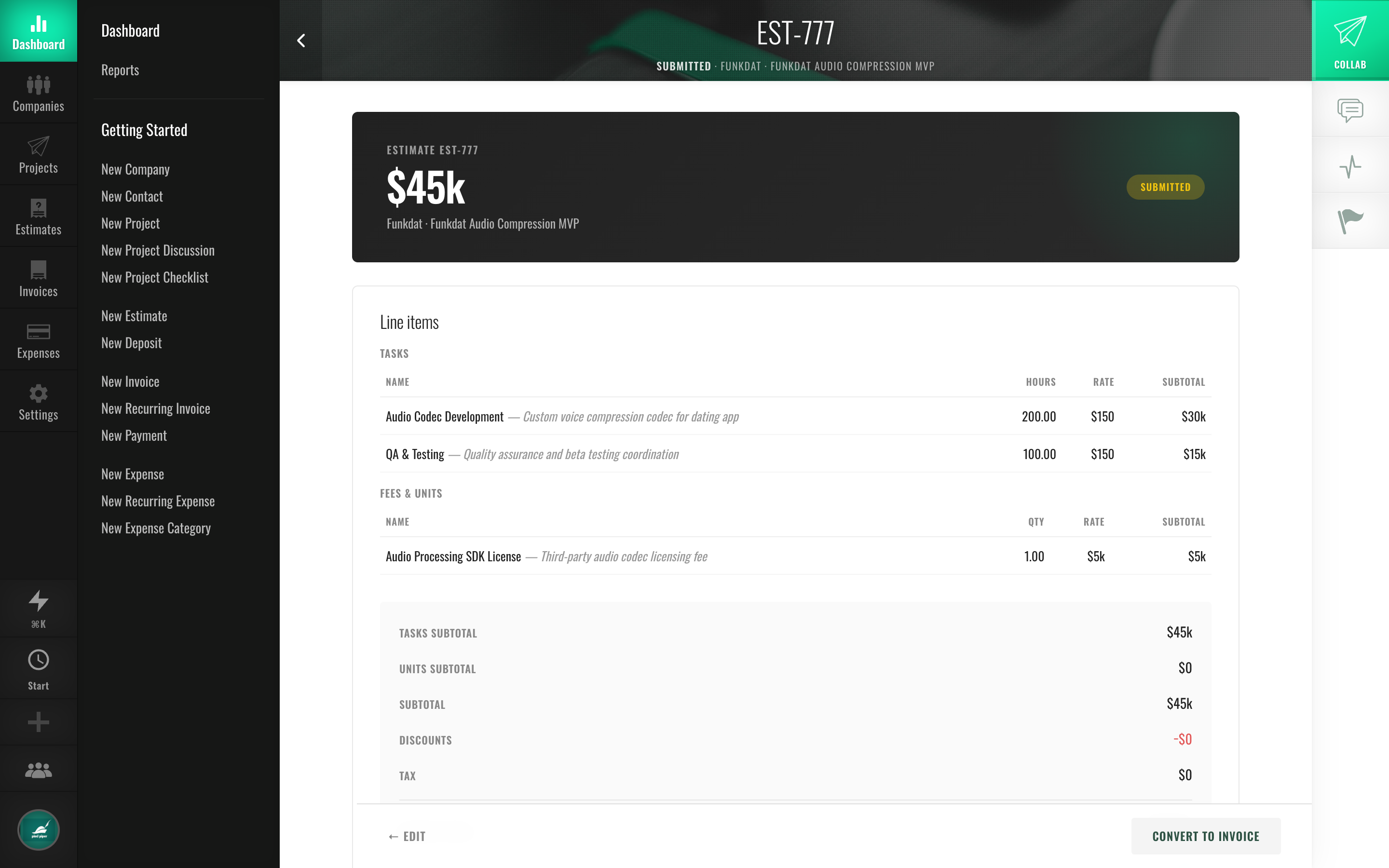
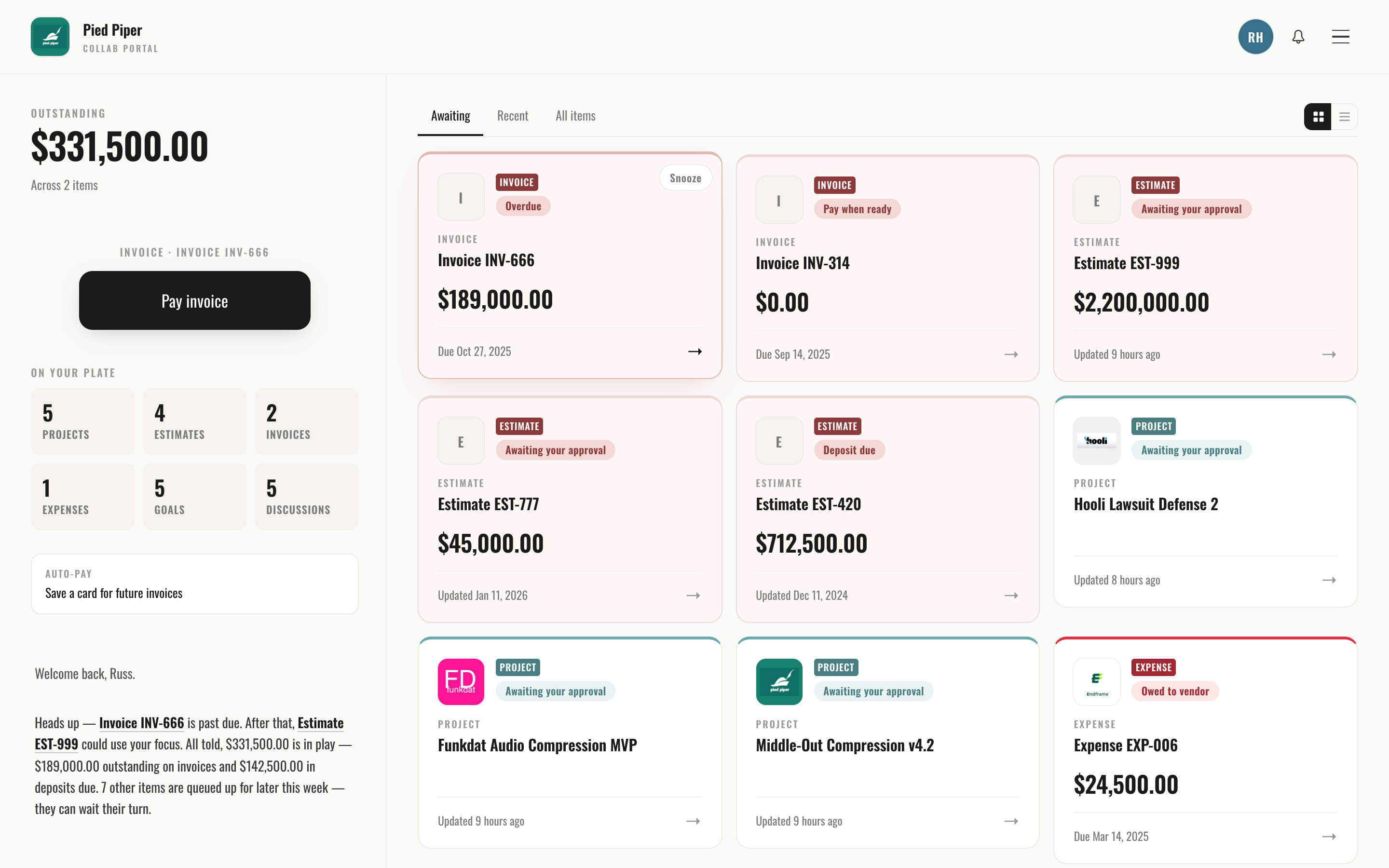
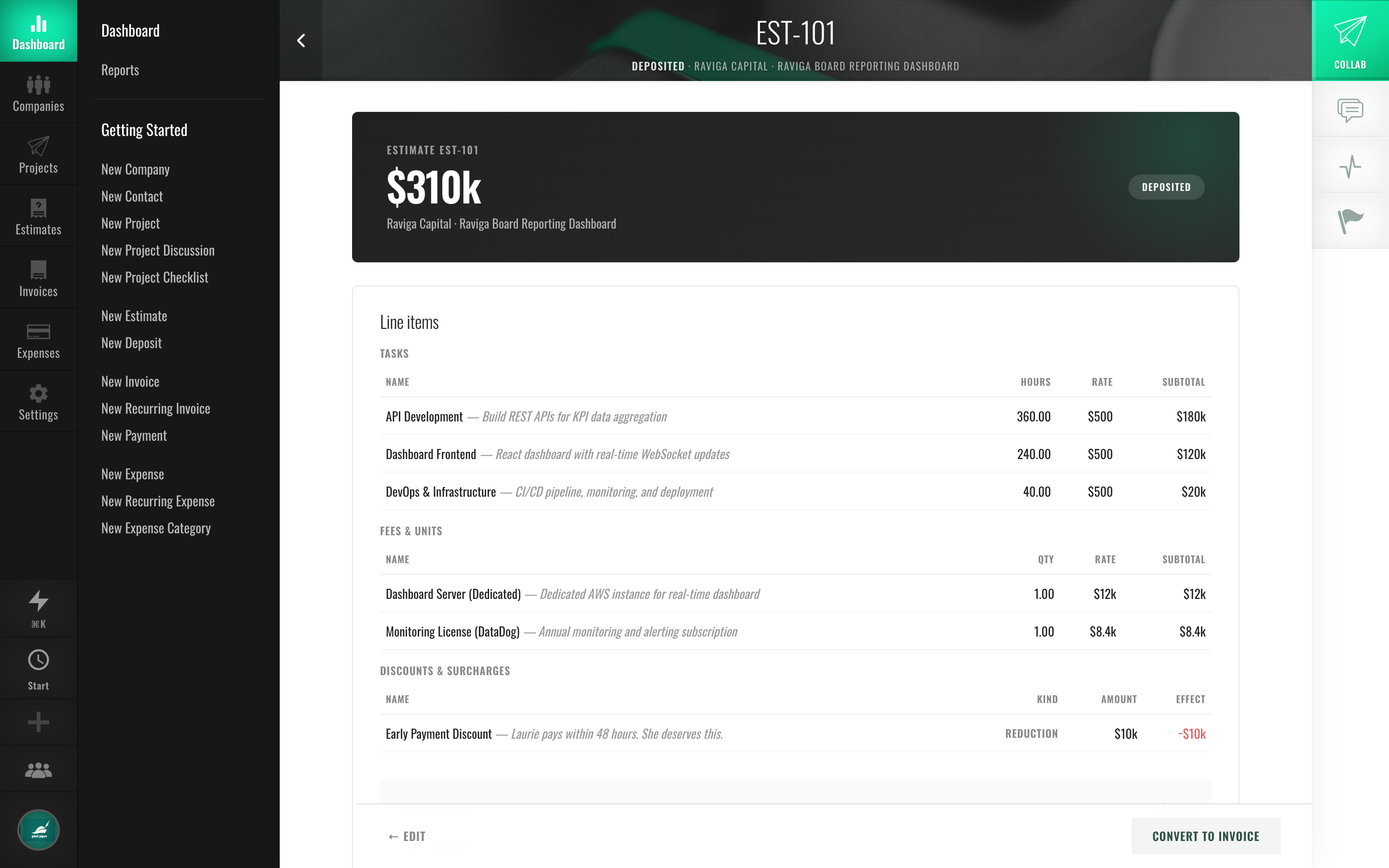
How to write a web design estimate that gets paid
- Break the build into phases — Discovery, Design, Build, Revisions — so the price reads like a plan, not a number. They're pre-loaded above; tweak the rates to your market.
- Cap your revision rounds on the estimate. "2 rounds included, extra rounds at the hourly rate" is the single best line you can add to fight scope creep, and it's right there in the notes block.
- Ask for 50% upfront. A deposit filters out tire-kickers and funds the work before it starts; the template prefills a 50%-now / 50%-on-launch split and Net-14 terms.
- Spell out exclusions — copywriting, stock photos, plugins, maintenance. A sentence now saves an awkward change-order conversation later. Edit the scope & exclusions block, then download the PDF.
Why 50% upfront (and a revision cap) matters
Two things kill a web project's margin: clients who ghost after delivery, and "just one more round" creeping a 3-page build into a 9-page one. A 50% deposit means you're funded before you design and the tire-kickers self-select out; a written revision-round cap means the answer to round three is already on the page everyone agreed to. This template puts both on the document by default — that's the whole point.
Estimate vs. invoice for web designers
The estimate is your proposed price before the build — the proposal your client approves and pays a deposit on. The invoice is the bill after, with a due date. Same line items, different moment — which is exactly why the cleanest workflow is to write the estimate, get it approved with the deposit, then convert it straight into the launch invoice instead of retyping it. Read the full breakdown in estimate vs. invoice, or grab a generic invoice generator for non-web work.
Frequently asked questions
Is the web design invoice template really free?
Yes — no signup, no email wall, no watermark. Make as many estimates and invoices as you like and download the PDF.
How much deposit should a web designer take?
50% upfront is the trade standard and what this template prefills: enough to fund the work and screen out tire-kickers, with the balance due on launch. For larger builds, some designers split it three ways (deposit / midpoint / launch) — just add a phase line.
How do I stop scope creep on web projects?
Put a revision-round cap on the estimate before the client approves it, and list what's excluded (copy, stock, plugins, maintenance). This template does both by default. When "one more round" comes up, you point at the document everyone signed off on.
Can my client approve and pay the deposit from one link?
Not from this one-off PDF — but that's exactly what Fee-Lion does. Send the same proposal as a magic link; your client approves it and pays the 50% deposit by card in the same session, then it converts to an invoice in one click and collects the balance via Stripe. Free for 14 days, no card. See the full workflow on the Fee-Lion for web designers page.
Need a different starting point?
Quoting a full site build phase by phase? Use the web design estimate template (discovery through launch, with a live studio demo). Or grab a generic estimate template, make a plain invoice, or read what to include on an invoice.